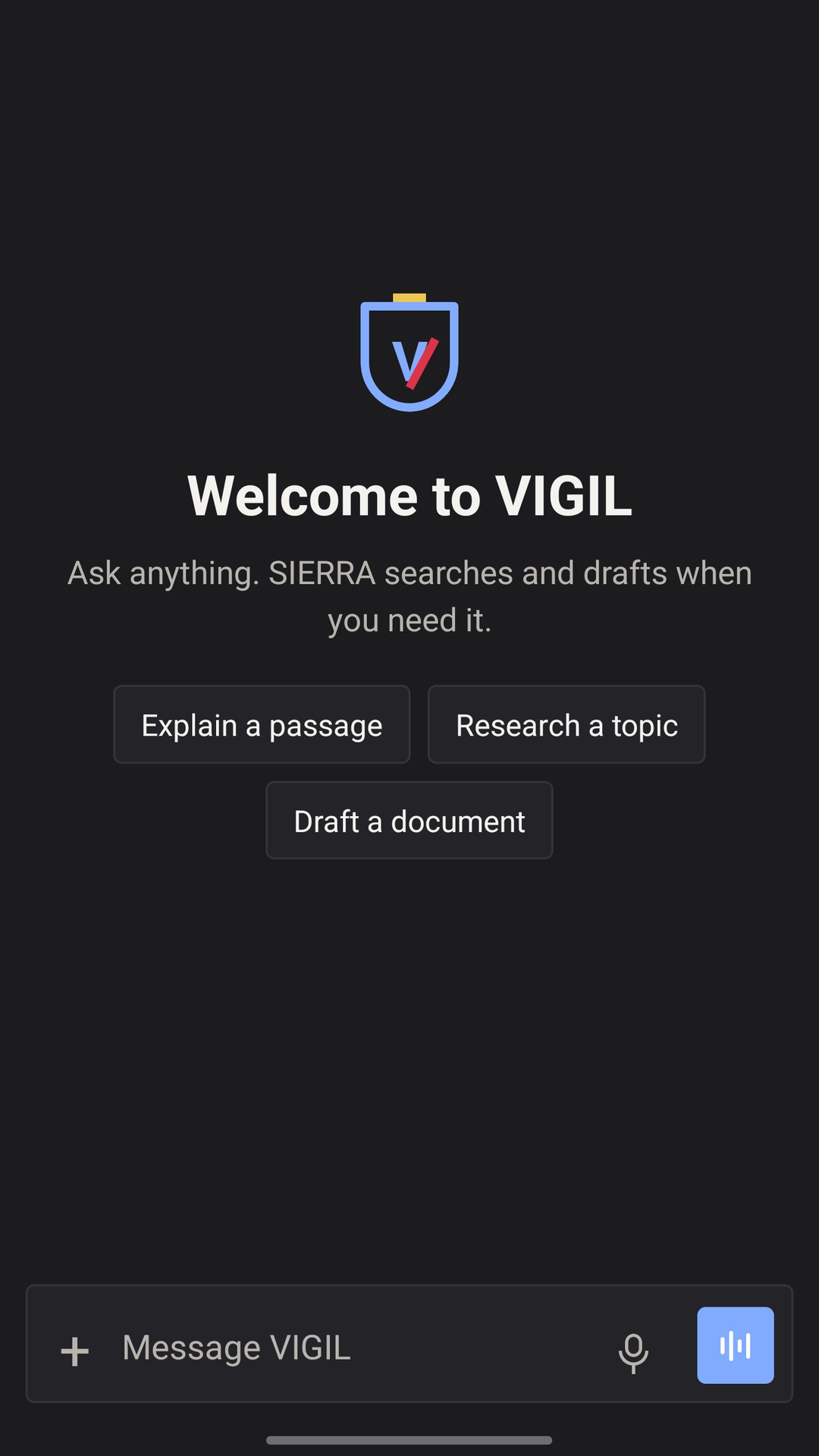
The same account as the website. Your chats, web search, voice dictation and spoken conversation, with a lock that uses this phone’s fingerprint, face or screen lock.
Open a chat, dictate a line, and continue later on the web or the Linux app.
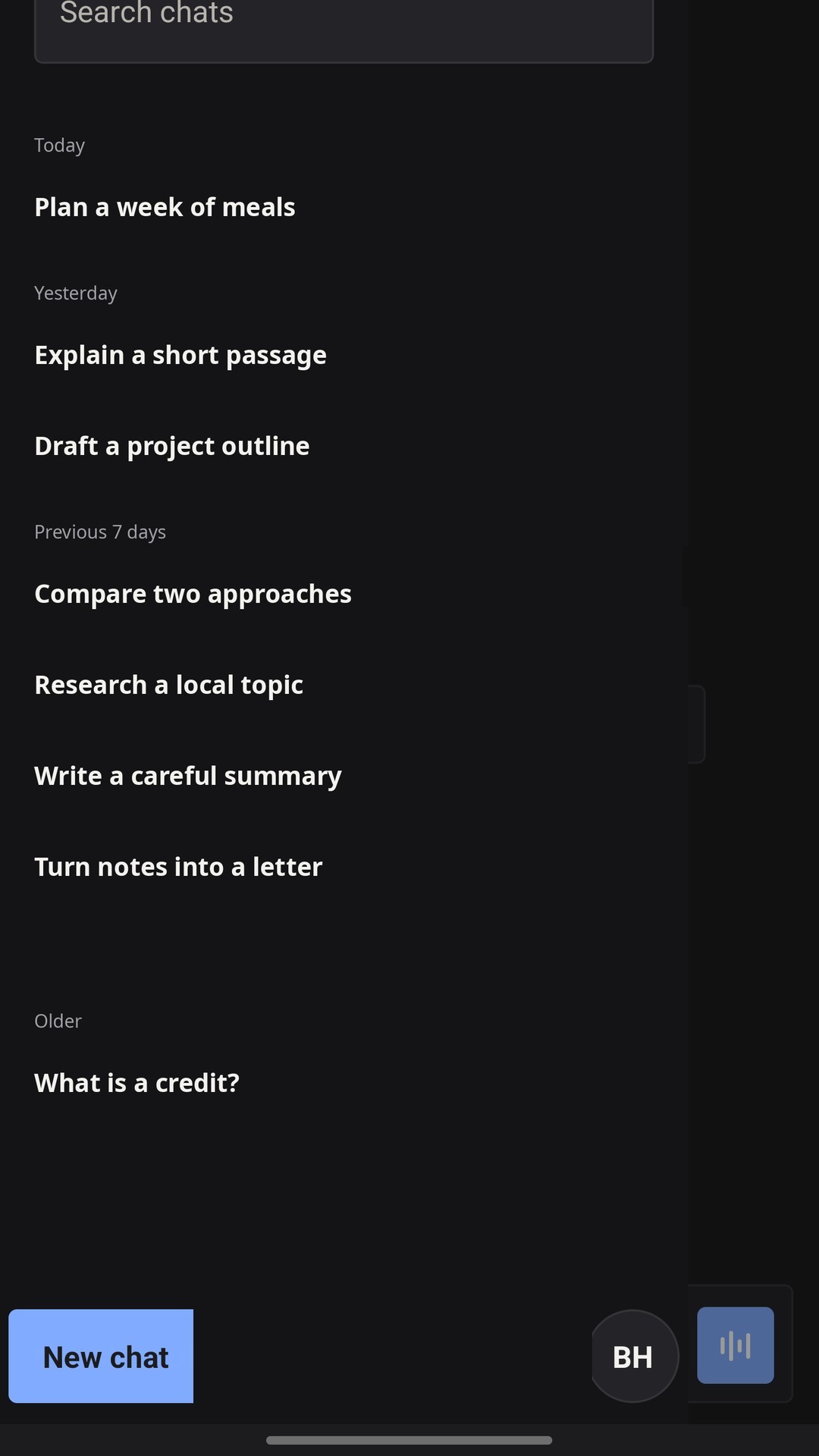
Chats grouped by day, with search
Web search with sources
Voice dictation in the message field
Talk, and hear the reply spoken
Unlock with this phone’s own biometric
Phone screenshots · Sample conversations · Select a preview to enlarge
The Android button downloads an APK. Open the file and allow the install when the phone asks. Play has its own package. Photos, files, projects and Job Hunter stay on the website. Studio files made in a chat open, save and share in the app. Plans are bought on the website. iOS is coming soon.
VIGIL
Your everyday AI workspace
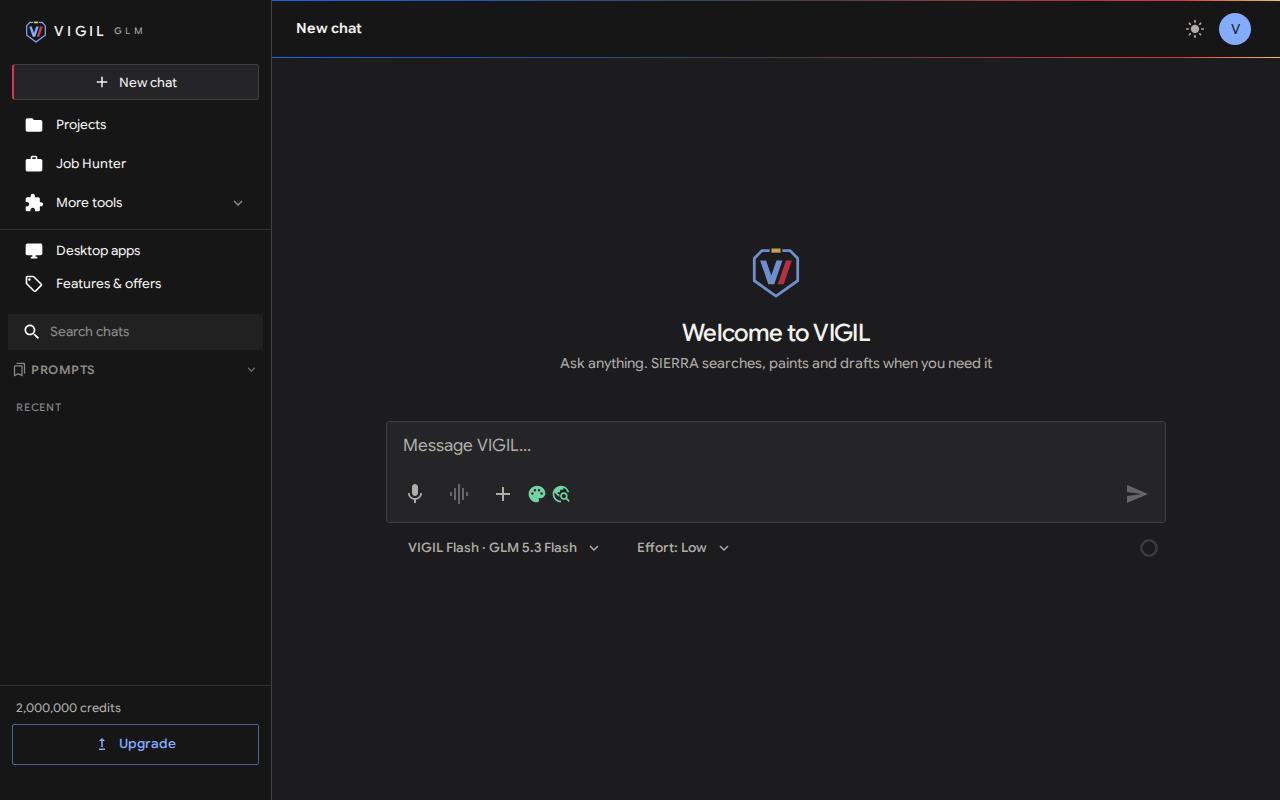
Chat, research, create and find your next role. The same charcoal and warm-light workspace as the web, with a native title bar that follows your theme.
Keep the conversation going, organise your projects and switch models as you work.
Chat and projects
Web search and image tools
Your existing VIGIL account
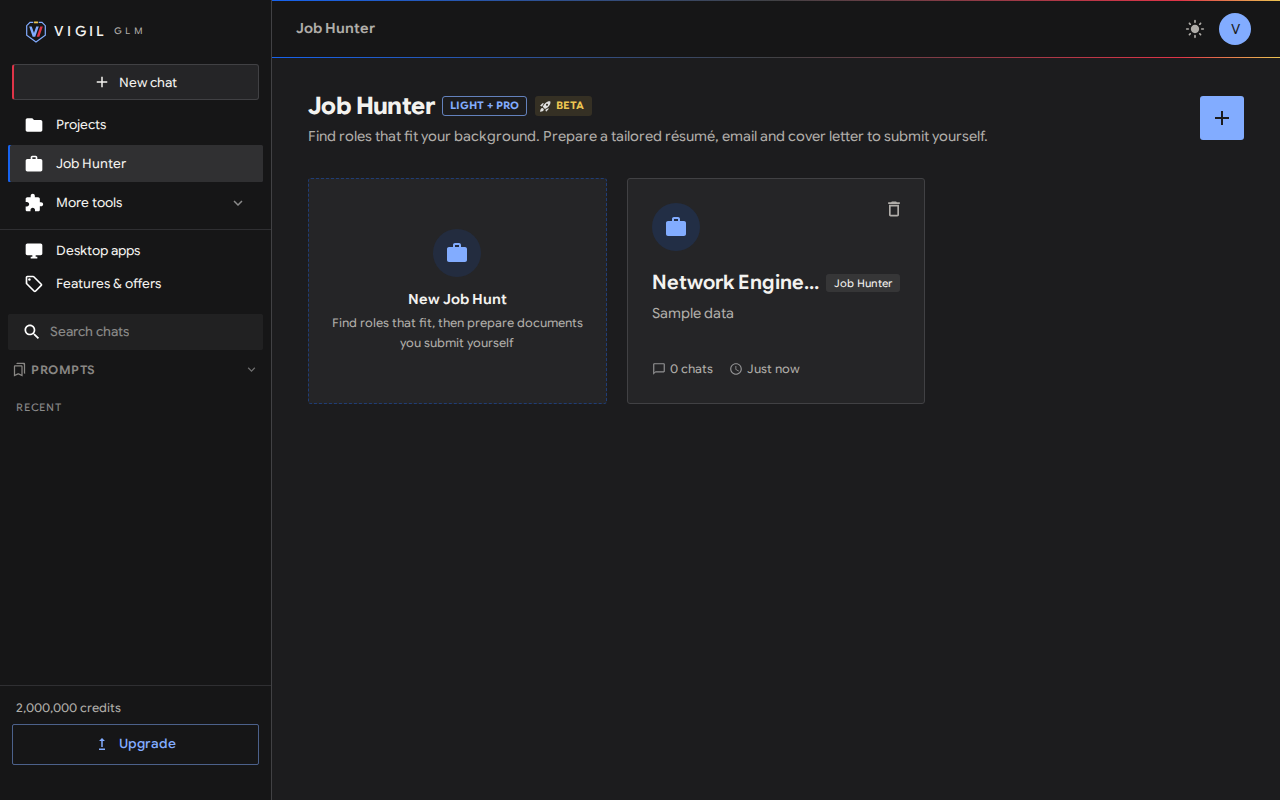
Meet Job Hunter
Your next role starts with a conversation.
Find roles that match your résumé and experience. Tailor a résumé or prepare an email and cover letter, then copy or download your documents and submit them yourself.
Application screenshots · Select a preview to enlarge
VIGIL-Code
Your code. Your workspace.
Code Mode discovers project tools and bundled skills, including code review and Humanizer, as you need them. Big research jobs fan out to parallel read-only agents, announced and listed as they work. Start with Flash, then choose Agent, Plan or Ask for each task. A sharp coding workspace with dark, light and system appearance, and approval for individual actions or the current turn.
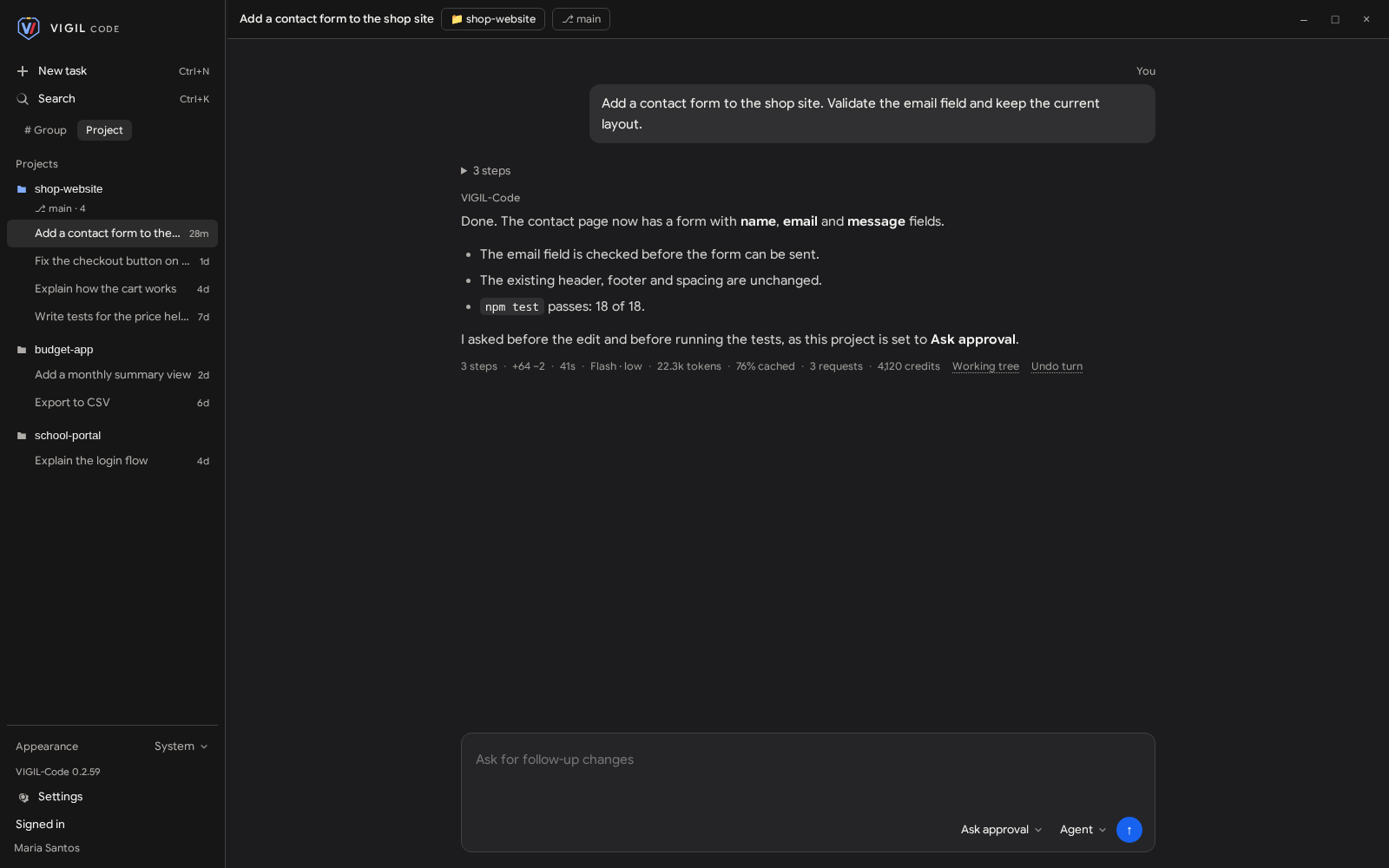
Understand a project, plan your next change and review the work before it runs.
Local project folders
File edits with your approval
Accept once or for the current turn
Build mode in a project sandbox
Parallel research agents
VIGIL-Code project exploration · Sample project · Dark appearance
File tools check the project boundary, including symlinks. In Ask approval, every edit and command waits for you. Build runs edits and commands inside a project sandbox with the network off, and asks before network use, git push or anything outside the folder. Full Access runs commands with your operating system account’s access to files and the network, including outside the project. Stop terminates running commands. Chats are saved in the project folder on your computer. Uses your VIGIL credits.
Screenshots show the current interface with sample projects and scripted conversation content. No customer information is shown.
On Android, download the APK. On Linux, choose .deb for Ubuntu or Debian, .rpm for Fedora or RHEL, or AppImage for a portable file. The Linux apps are x86_64. iOS is coming soon.
02 / INSTALL
A few clicks, then you’re in.
On Android, open the APK and confirm the install. On Linux, open a .deb or .rpm in your package installer. For AppImage, allow execution in file properties or run chmod +x filename.AppImage, then open it. AppImage needs FUSE 2 and user namespaces; use .deb or .rpm where namespaces are restricted.
03 / SIGN IN
One account. Every app.
Sign in with your VIGIL GLM account. The phone and the Linux app open your hosted workspace. VIGIL-Code works with local folders. An internet connection is required. Need a hand? Get in touch.
 VIGIL GLM